Kunden & Mandate
Kontext pro Mandat
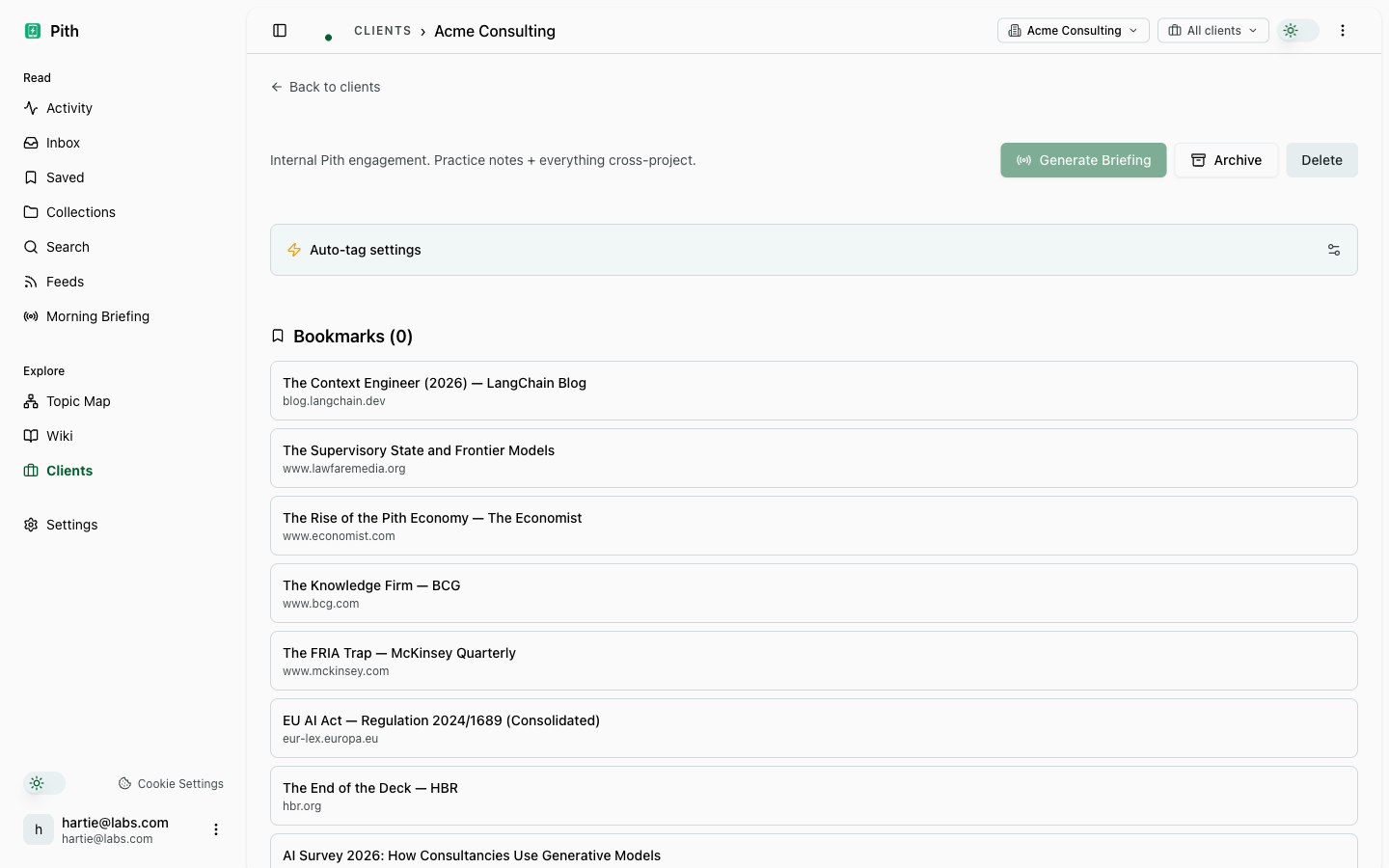
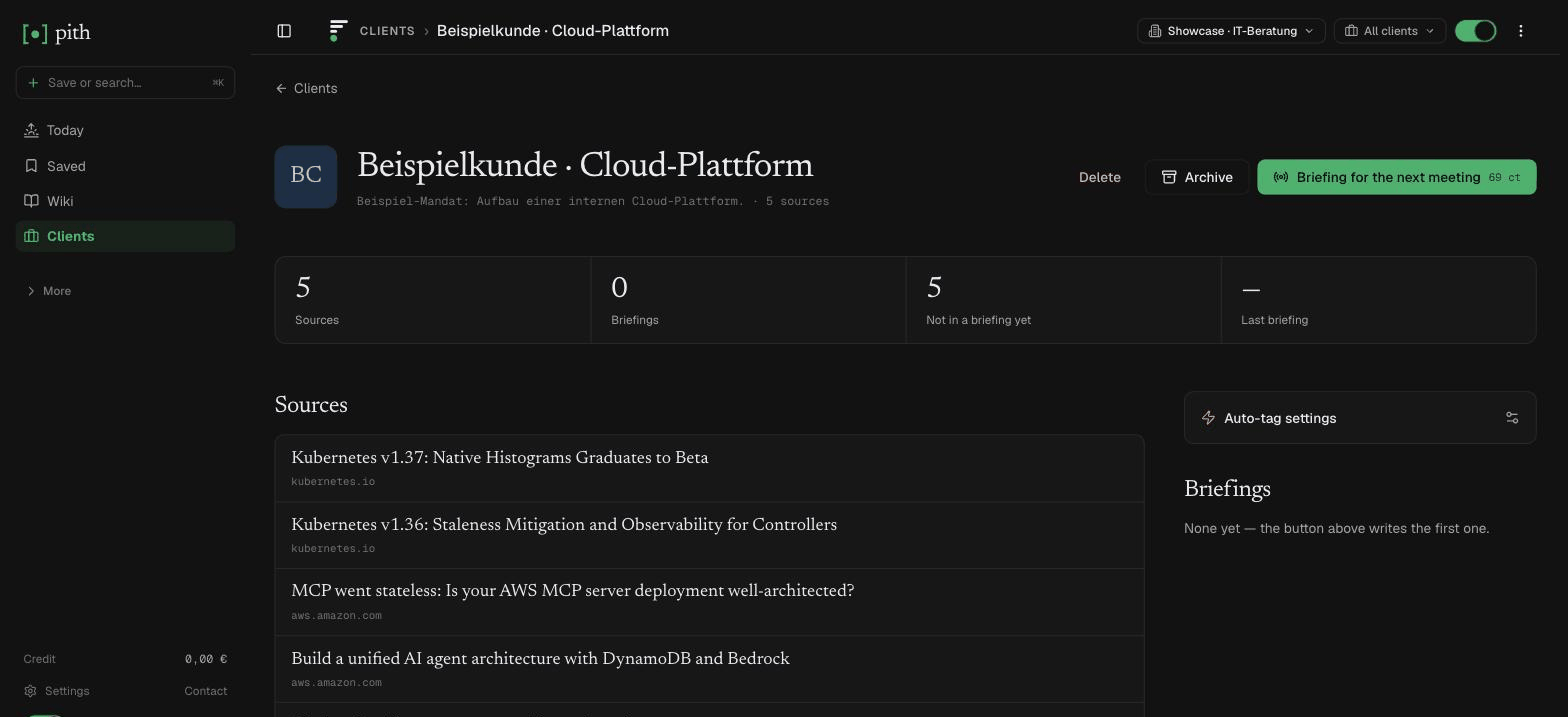
Ordne Artikel dem Kunden zu, zu dem sie gehören. Filtere Speicherungen, Wiki und Suche über die obere Leiste auf diesen Kunden, verfolge seine Aktivität und erstelle ein Briefing aus seinen Quellen.
Kurz gesagt
Jeder Kunde bekommt seine eigene Sicht: Artikel zuordnen, Speicherungen, Wiki und Suche auf ihn filtern, seine Aktivität verfolgen und ein Briefing aus seinen Quellen erstellen.
In der App: /clients
Was du davon hast
Ein Kunde nach dem anderen
Wähl oben einen Kunden, und Saved, Wiki und Suche zeigen nur dieses Mandat.
Kunden-Briefing
Ein Briefing aus genau den Quellen, die diesem Kunden zugeordnet sind — vor dem nächsten Termin.
Aktivität des Kunden
Speicherungen, Kommentare, Briefings und Wiki-Änderungen zum Kunden in einem Verlauf.
Wie es funktioniert
- 1
Unter Clients einen Kunden anlegen.
- 2
Artikel zuordnen — von Hand oder automatisch.
- 3
Oben den Kunden wählen, um Saved, Wiki und Suche auf ihn zu fokussieren.
Weitere Liefern-Funktionen
FAQ
Was ist ein Kunde in Pith?
Ein Rahmen: Ordne Artikel einem Kunden zu, und du kannst Speicherungen, Wiki und Suche auf ihn filtern, seine Aktivität verfolgen und ein Briefing aus seinen Quellen bauen.
Muss ich alles von Hand zuordnen?
Nein — die automatische Zuordnung übernimmt sichere Treffer; du prüfst nur die unsicheren.
Was steht auf der Seite eines Kunden?
Seine zugeordneten Quellen, ein Aktivitätsverlauf (Speicherungen, Kommentare, Briefings, Wiki-Änderungen), seine Briefings und die Einstellungen der automatischen Zuordnung.
Kann ich das Wissen zu einem Kunden extern teilen?
Ja — teile eine Wiki-Seite oder ein Briefing per Link mit Ablaufdatum, Aufruflimit oder Passwort.
Wie viele Kunden kann ich anlegen?
So viele du willst; Kunden werden nicht abgerechnet.
Probier es selbst aus.
Keine Kreditkarte. Probier Kunden & Mandate im eigenen Workspace — KI-Aktionen kosten Cent aus einem Prepaid-Guthaben, und jeden Monat gibt es 1 € gratis.
Kostenlos starten