Browser extension & phone
Save the page you are reading
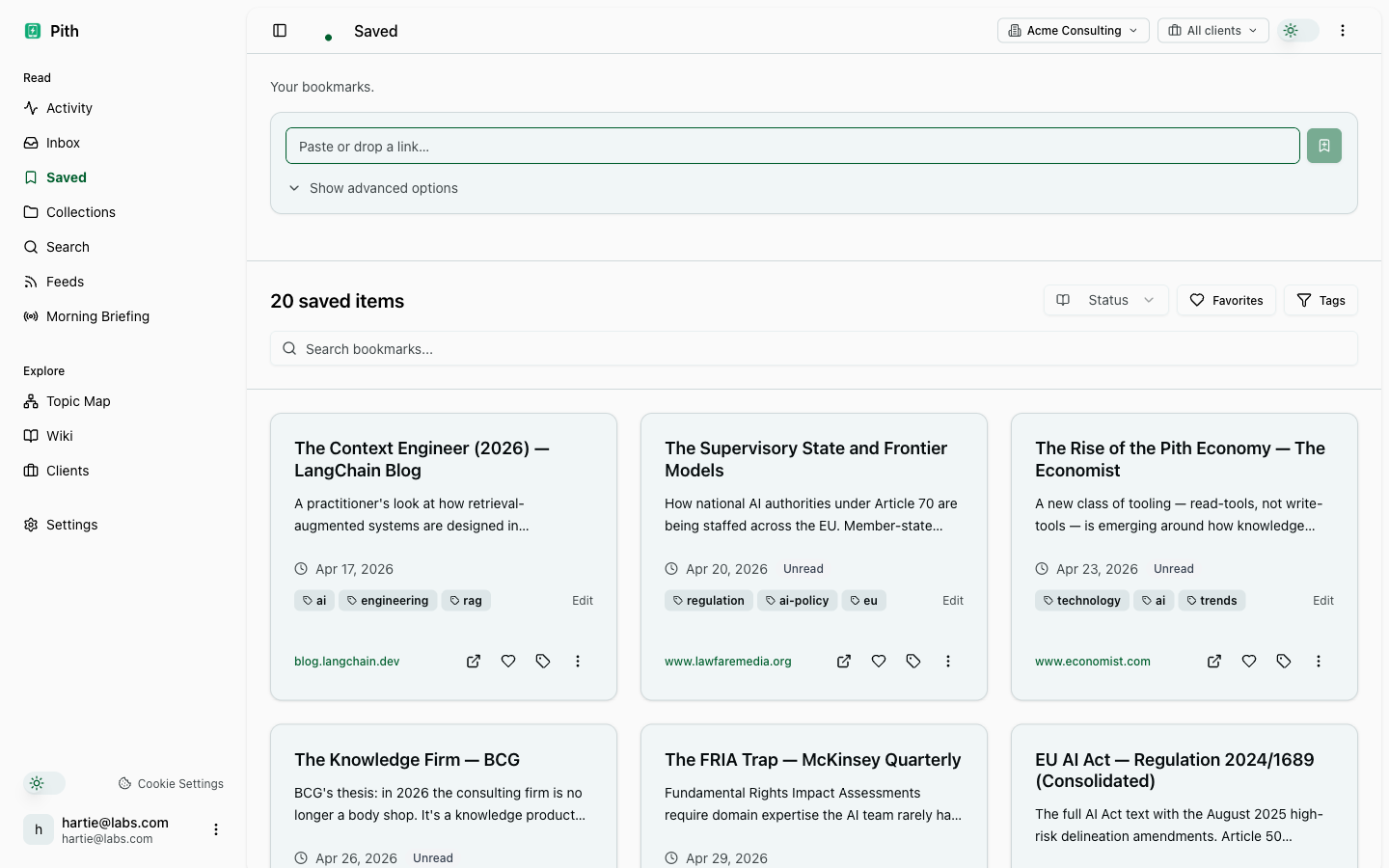
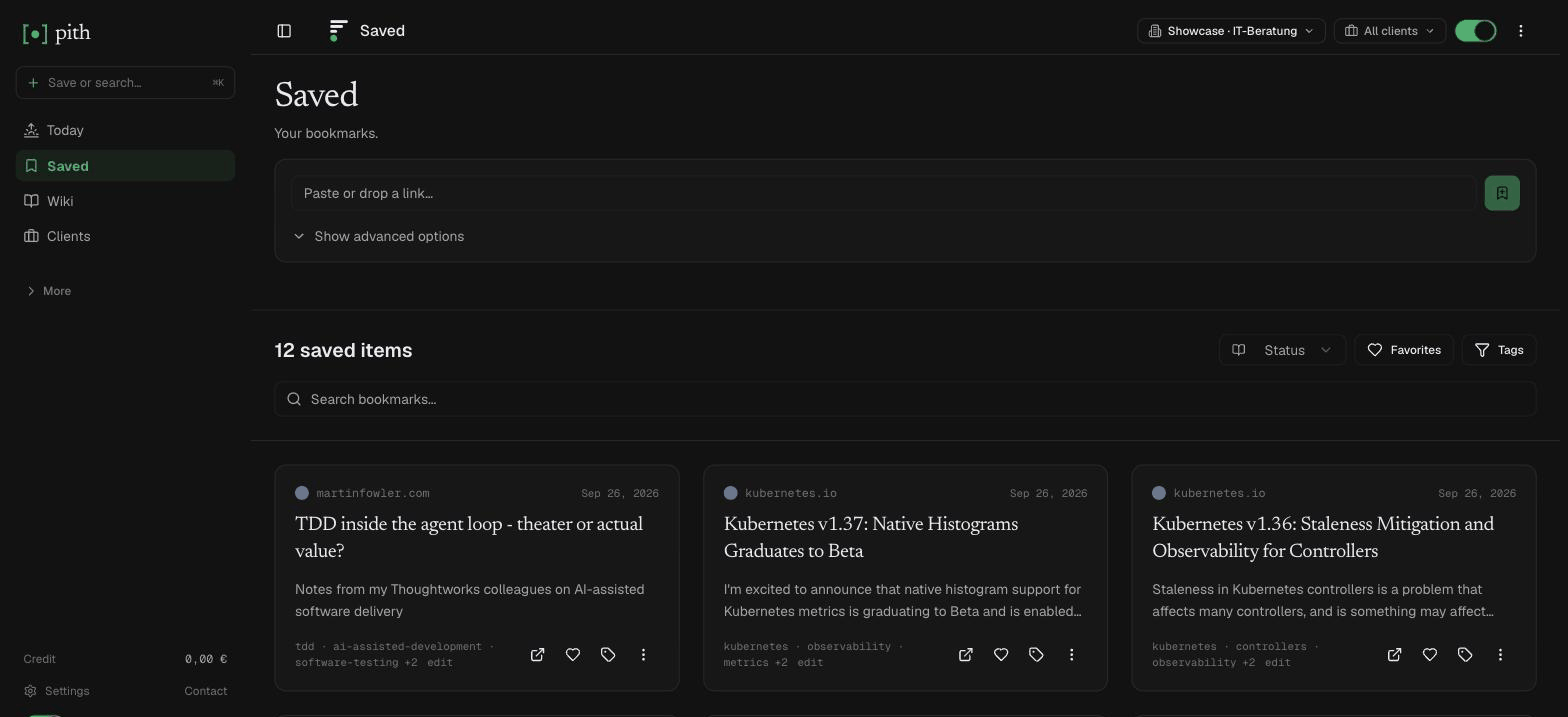
A Chrome extension saves the current tab with one keystroke and shows what your wiki already knows about it. On the phone, an iPhone Shortcut or the Android share sheet does the same; newsletters can be forwarded to a private e-mail address, and bookmarks from your browser, Pocket, Raindrop, Instapaper or Readwise can be imported. With AI on, every save is summarised; with AI off, saving is free.
In short
Pith's Chrome extension saves the current page with one keystroke and shows which of your wiki pages and saved sources are close to it; on the phone, an iPhone Shortcut or the Android share sheet does the same.
In the app: /settings/capture
What it gives you
One keystroke
⌘+Shift+S saves the current tab silently. A click on the toolbar icon opens the popup instead, with tags and a note that the page is already saved.
What you already know
The popup lists the wiki pages and saved articles close to the page you are reading, with a dot for how strong the match is.
Works offline
Saves without a connection are queued and retried once you are back online. Nothing lost on the train.
How it works
- 1
Settings → Capture → create a token (it saves into one workspace).
- 2
Load the extension once via chrome://extensions → Load unpacked, then paste the token in its Options.
- 3
On any page, press ⌘+Shift+S — or share from your phone with the Shortcut or the installed app.
Other capture features
FAQ
Which browsers does the extension support?
Chrome (Manifest V3). It is not in the Chrome Web Store yet — you load it once via chrome://extensions → Load unpacked. There is no Firefox version.
How do I save from my phone?
On iPhone and iPad, a Shortcut in the share sheet saves any link — Settings → Capture has the recipe. On Android, install Pith from Chrome (menu → Install app) and share to it from any app.
Can I save by e-mail?
Yes. Settings → Capture shows your private address per workspace. Forward a newsletter to it and up to five article links in it are saved — unsubscribe, social and tracking links are skipped.
Can I bring my bookmarks from Pocket or Raindrop?
Yes. Settings → Import reads browser bookmark HTML and the CSV/HTML exports of Pocket, Raindrop, Instapaper and Readwise Reader. Every link is saved free with its tags and date; you choose which ones Pith also reads with AI, with the price shown first.
Does it work offline?
Yes. Saves without a connection are queued in the browser (up to 50) and retried every few minutes once you are online.
Does saving do more than bookmark the page?
With AI on (the default), every saved article is fetched, cleaned and summarised (2 ct per save) and becomes material for your wiki. With AI off, Pith keeps the text for search but writes no summary or wiki — free — and you process a bookmark later with one click. PDFs are read by text recognition at 1 ct per page either way.
Try it for yourself.
No credit card. Try Browser extension & phone in your own workspace — AI actions cost cents from a prepaid credit, and there is €1 free every month.
Start free