Clients & engagements
Per-engagement context
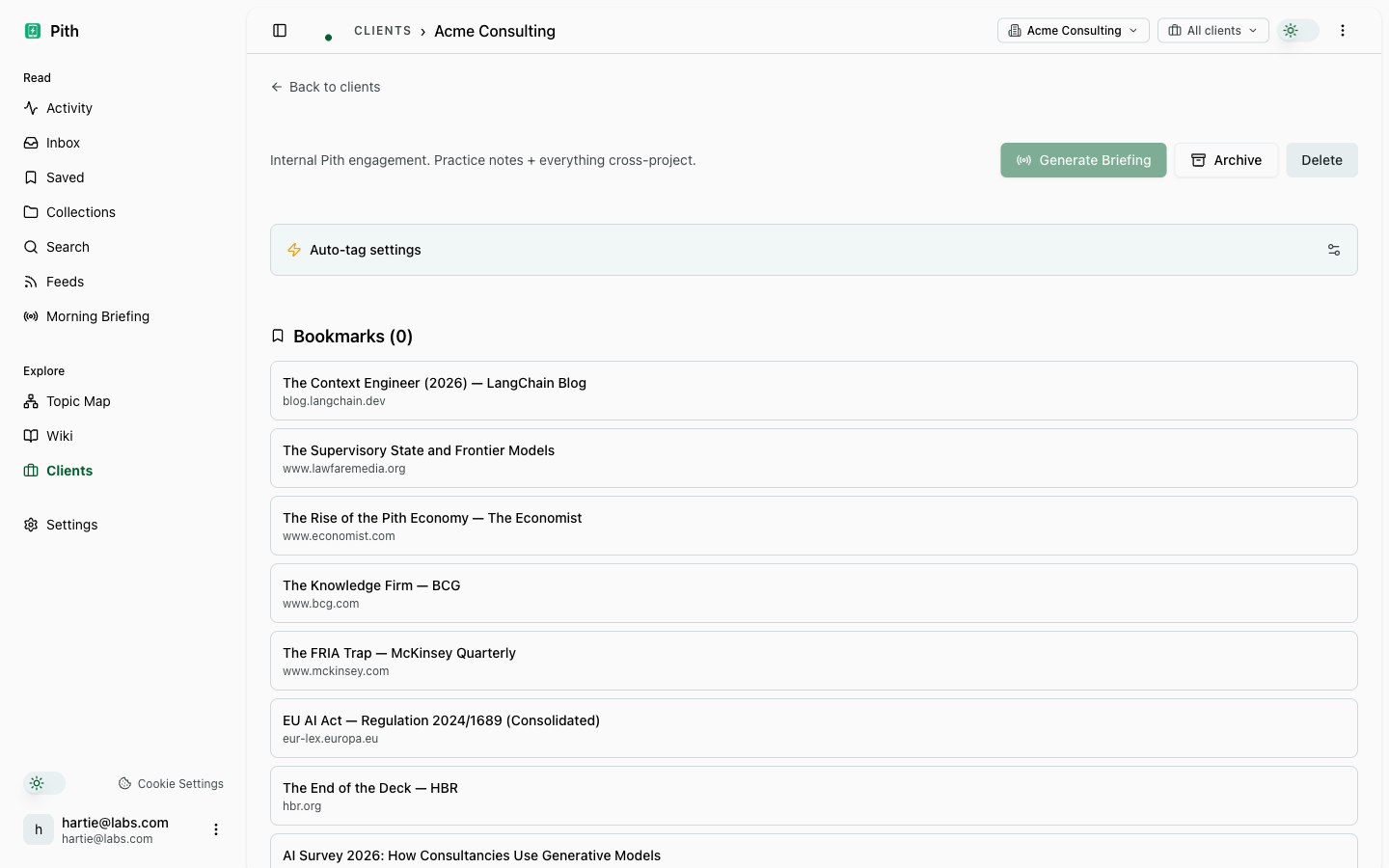
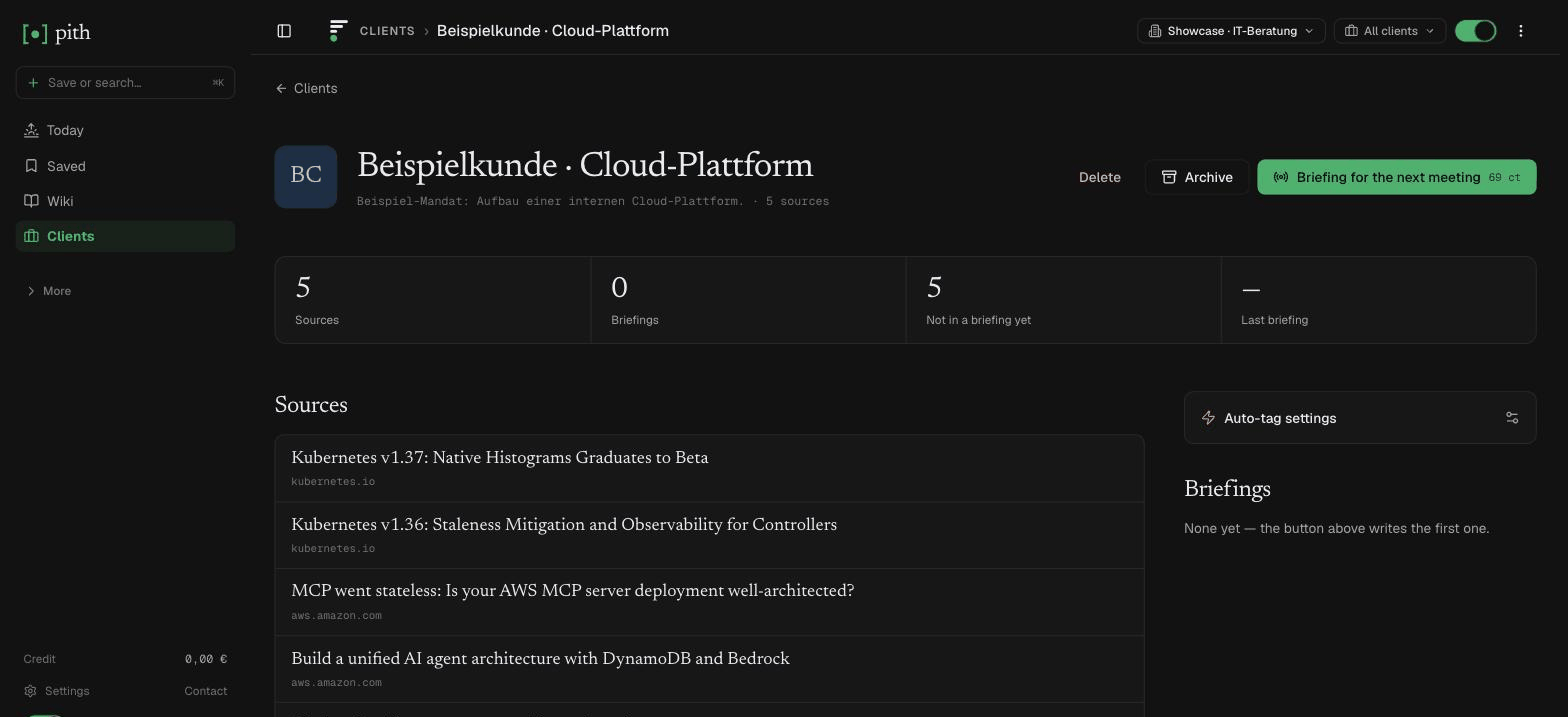
Tag articles with the client they belong to. Filter your saves, the wiki and search to that client from the top bar, follow its activity, and generate a briefing from its sources.
In short
Each client gets its own view: tag articles to a client, filter saves, wiki and search to it, follow its activity, and generate a briefing from its sources.
In the app: /clients
What it gives you
One client at a time
Pick a client in the top bar and Saved, Wiki and Search show only that engagement.
Client briefing
Build a briefing from exactly the sources tagged to that client — before the next meeting.
Client activity
Saves, comments, briefings and wiki updates for the client in one stream.
How it works
- 1
Create a client under Clients.
- 2
Tag articles — by hand, or let auto-tagging do it.
- 3
Pick the client in the top bar to focus Saved, Wiki and Search on it.
Other ship value features
FAQ
What is a client in Pith?
A scope: tag articles to a client and you can filter your saves, the wiki and search to it, follow its activity, and build a briefing from its sources.
Do I have to tag everything by hand?
No — auto-tagging assigns confident matches; you only review the uncertain ones.
What is on a client's page?
Its tagged sources, an activity stream (saves, comments, briefings, wiki updates), its briefings, and its auto-tag settings.
Can I share a client's knowledge externally?
Yes — share a wiki page or briefing through a link with an expiry, a view limit or a password.
How many clients can I track?
As many as you like; clients are not metered.
Try it for yourself.
No credit card. Try Clients & engagements in your own workspace — AI actions cost cents from a prepaid credit, and there is €1 free every month.
Start free