RSS subscriptions
Subscribe once. Read what matters.
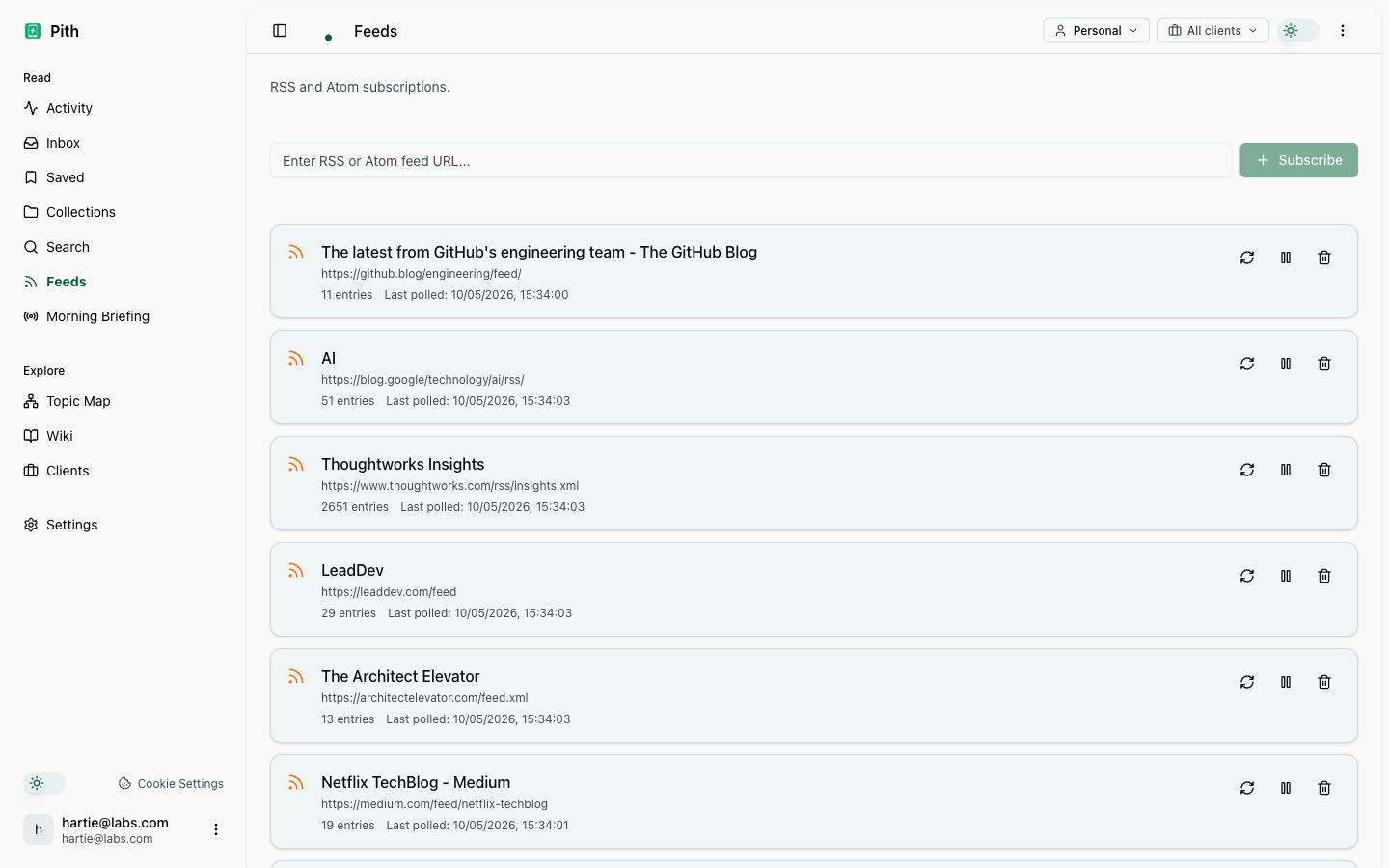
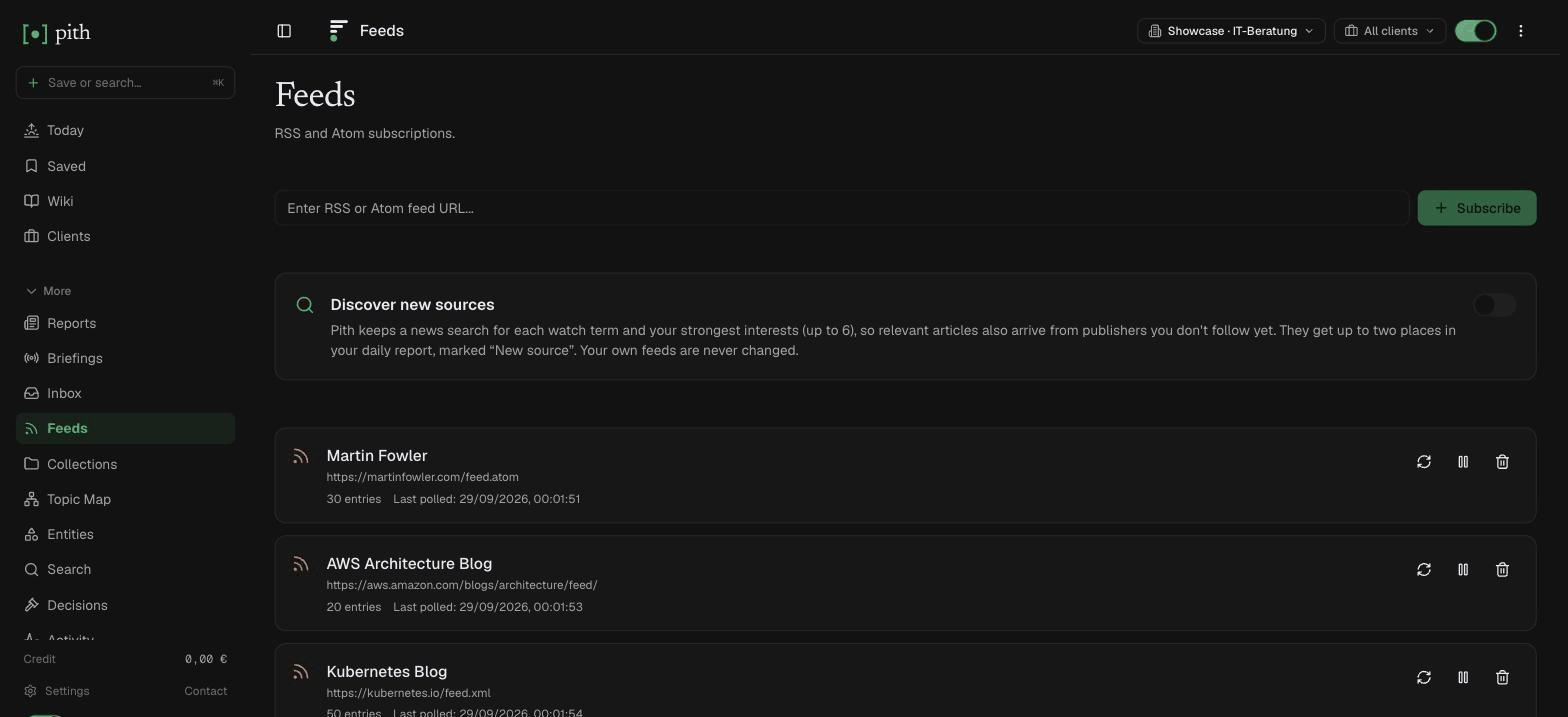
Subscribe to RSS or Atom feeds, or let Pith follow a search for you. Entries are scored against your interests and sorted into For You, Also Trending and Everything — and the best of the day becomes your morning report.
In short
Subscribe to RSS or Atom feeds and Pith scores every entry against your interests — For You, Also Trending, Everything — and turns the day's feeds into your morning report.
In the app: /feeds
What it gives you
Ranked by your interests
For You shows entries scored 70% and up, Also Trending 30–70%, Everything the rest — with seen and unseen kept apart.
Feeds the morning report
Each morning the day's entries are grouped by theme and written up as a short, cited report.
Fetched every hour
Feeds are polled hourly or on demand. A failing feed is marked on the Feeds page and paused after five failures.
How it works
- 1
Open Feeds, paste any RSS/Atom URL and press Subscribe.
- 2
Pith checks the feed and starts polling.
- 3
Read in the Inbox, or wait for tomorrow's morning report.
Other capture features
FAQ
How is this different from a normal RSS reader?
Pith scores every entry against your interests and sorts it into For You (70% and up), Also Trending (30–70%) and Everything, instead of one unread count. The best of the day becomes your morning report.
Do feed entries enter my wiki automatically?
No. Feeds are for discovery; an entry goes into the wiki when you save it or send it there from the morning report.
How often are feeds fetched?
Every hour, and any time you press Poll now. A feed that keeps failing is marked on the Feeds page and paused after five failures.
Try it for yourself.
No credit card. Try RSS subscriptions in your own workspace — AI actions cost cents from a prepaid credit, and there is €1 free every month.
Start free