Catch Up
Was neu relevant ist + was zu wiederholen lohnt
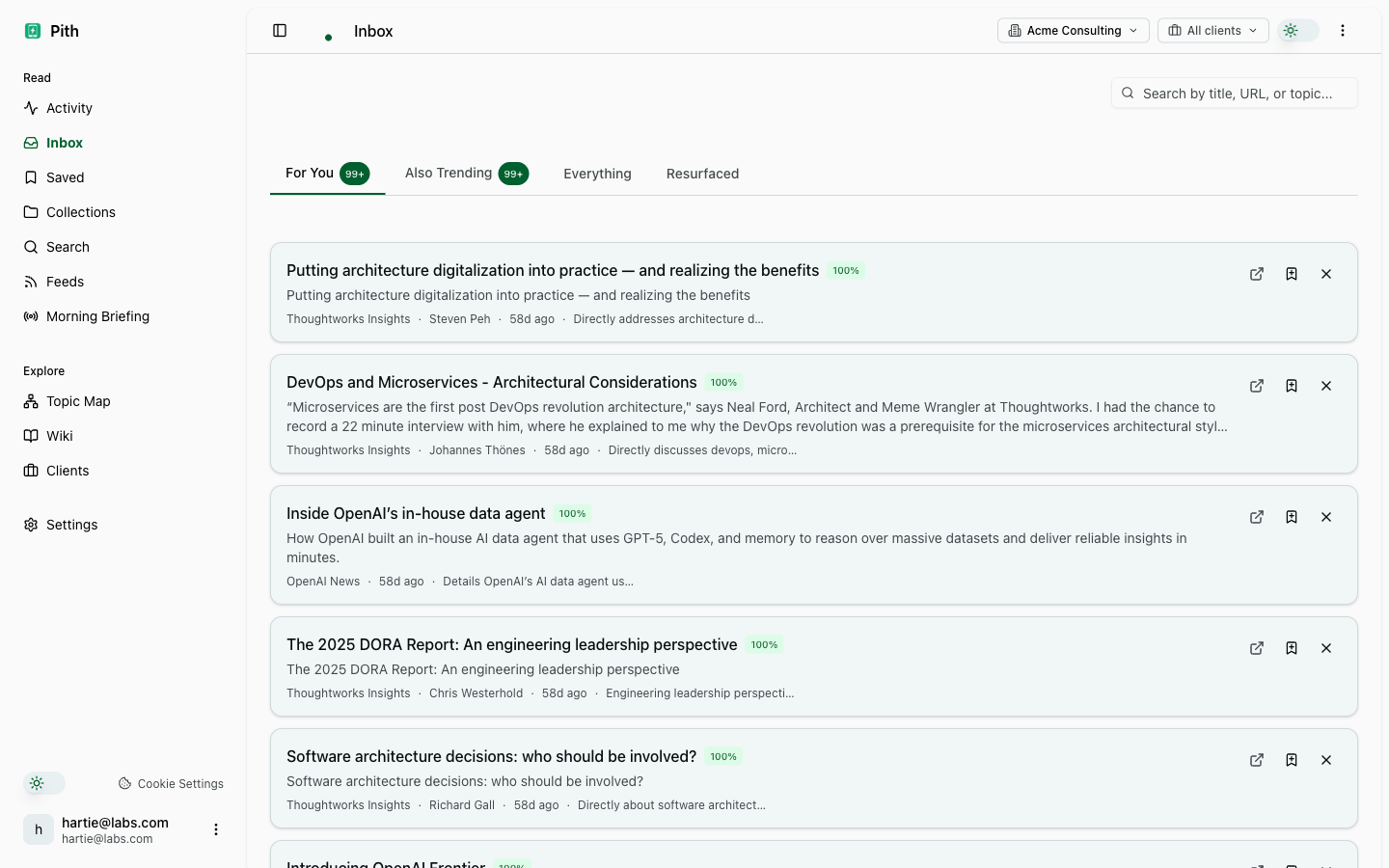
Eine Wochen-Ansicht, die zwei Dinge nach oben holt: neue Feed-Einträge, die zu deinen kürzlich verschobenen Interessen passen, und alte Bookmarks, die zur Wieder-Lektüre anstehen, weil sie zu etwas gehören, woran du gerade arbeitest.
Kurz gesagt
Catch-up zeigt, was für deine verschobenen Interessen neu relevant ist, plus alte Bookmarks, die eine Wieder-Lektüre wert sind — ein proaktiver Wochen-Digest, kein weiterer Posteingang.
In der App: /catch-up
Was du davon hast
Neu relevant
Feed-Einträge tauchen hier auf, wenn sich dein Interessen-Profil zu ihren Themen verschiebt — selbst wenn sie ursprünglich niedrig eingestuft waren.
Alte Bookmarks wieder hervorholen
Der Agent prüft dein Archiv erneut gegen deinen aktuellen Fokus und holt die relevanten hervor — löst das „ich hab vor sechs Monaten was dazu gelesen“-Problem.
Wöchentlicher Digest
Catch-up regeneriert wöchentlich. Es Montagmorgen zu lesen richtet deine Woche aus, ohne durch jeden Feed zu scrollen.
Wie es funktioniert
- 1
Abonniere ein paar Feeds und speichere eine Woche lang Bookmarks (der Agent braucht Signal).
- 2
Öffne /catch-up — die Sektionen Neu Relevant + Wochen-Digest rendern.
- 3
Verwirf, was du nicht willst; der Agent lernt aus dem Verwerf-Signal.
Weitere Verstehen-Funktionen
FAQ
Was holt Catch-up nach oben?
Feed-Einträge, die für deine verschobenen Interessen neu relevant sind, plus Archiv-Bookmarks, die der Agent für die aktuelle Woche zur Wieder-Lektüre vorschlägt.
Ist das nur ein weiterer Posteingang?
Nein — es ist ein kuratierter Wochen-Digest, nach Relevanz und Aktualität geordnet, zum Überfliegen gedacht, nicht um einen Ungelesen-Zähler anzuhäufen.
Lernt es von mir?
Ja. Das Verwerfen eines Vorschlags lehrt den Agenten, was nicht mehr relevant ist, sodass der Digest mit der Zeit schärfer wird.
Probier es selbst aus.
14 Tage gratis. Keine Kreditkarte. Catch Up ist in jedem Plan dabei.
Kostenlos starten