Bookmark managers with AI
Category-search — bookmark + AI buyers
An 'AI bookmark manager' can mean two very different things. At the light end, AI just auto-tags, categorises, or summarises each link you save. At the heavy end, your saved pages become input for synthesis — connected notes, knowledge graphs, or a cited wiki. The list below runs from synthesis-first tools to classic savers with AI bolted on, so you can match the depth to what you actually want to get back out.
- 1
Pith
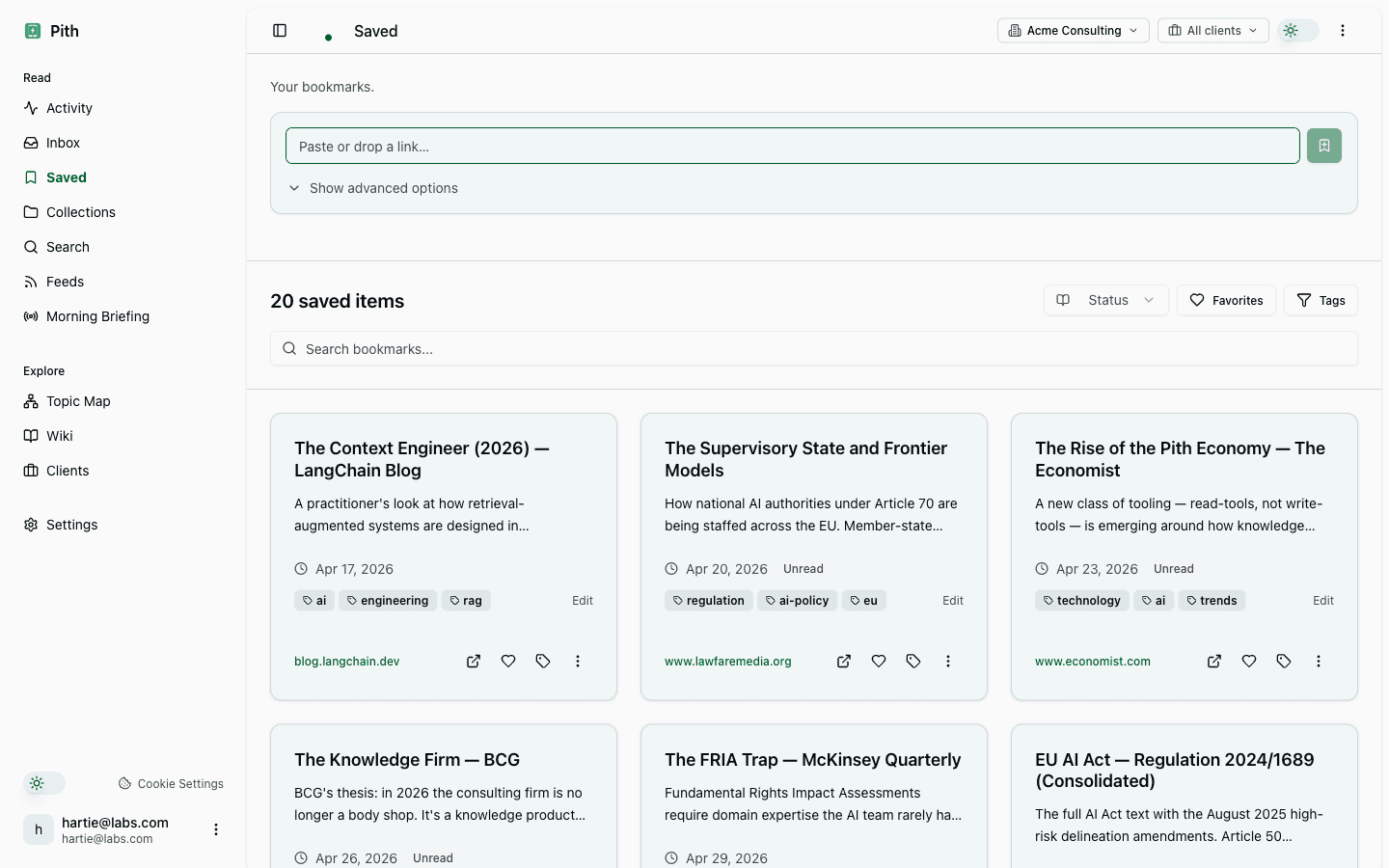
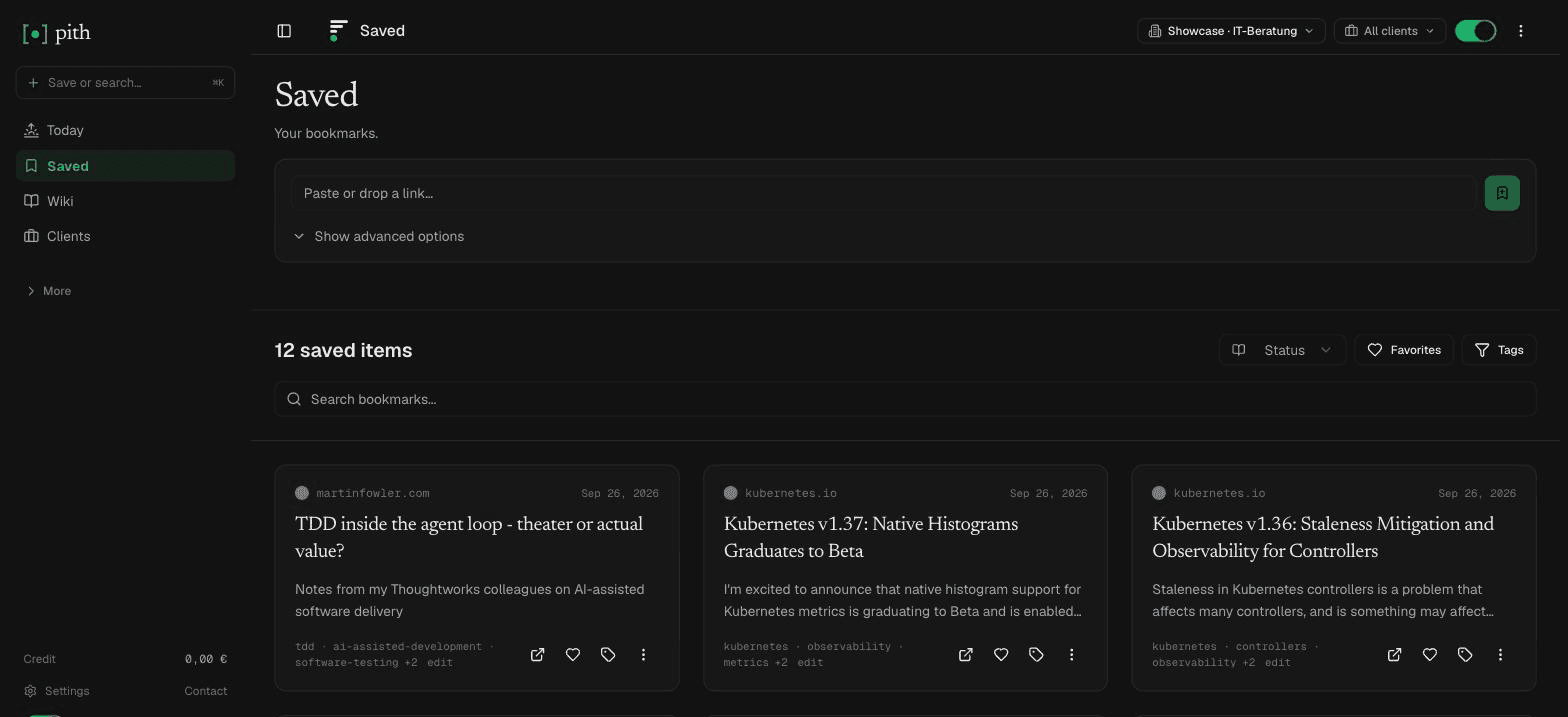
Visit siteA DACH reading-memory tool that treats bookmarks as input, not the end product: you save what you read and Pith auto-builds a cited wiki and summaries on top, with per-client briefings and an MCP server so assistants can query your knowledge. Data is hosted in Frankfurt.
Good for: Consultants, analysts and researchers who want saved reading turned into a sourced, reusable knowledge base — and who care about EU data residency.
Newer and DACH-focused; it's a synthesis layer, not a sprawling visual scrapbook, so if you mostly want to hoard and browse links it may be more than you need.
- 2
Raindrop.io
Visit siteA polished, all-in-one bookmark manager with collections, tags, multiple views, full-text search, highlights and duplicate detection. AI shows up as 'Stella', an assistant layered over your library rather than the core of the product.
Good for: People who want a fast, flexible, cross-platform place to organise and find a large bookmark collection.
Organisation-first: it stores and structures links well but won't synthesise them into new writing for you.
- 3
mymind
Visit siteA deliberately private, no-folders 'second brain' that auto-detects whether each save is an article, product, recipe or image, then summarises and organises it for you with OCR and visual/colour search. No tags or filing required.
Good for: Visual thinkers and privacy-minded users who want effortless, ad-free capture without managing structure.
Calm and minimal by design — light on export, collaboration and any kind of source-cited synthesis.
- 4
Matter
Visit siteA beautifully designed read-later app for articles, newsletters, YouTube and podcasts (with transcription), with HD text-to-speech and an AI Co-Reader. Strong on the reading experience itself.
Good for: People who want a calm, premium place to actually read and listen to what they save.
Reading- and listening-centric; its AI helps you consume content rather than build a knowledge base from it.
- 5
Readwise Reader
Visit siteA power-user read-it-later app covering articles, RSS, PDFs, EPUBs, YouTube and newsletters, with first-class highlighting and Ghostreader, a GPT copilot that defines terms, answers questions and summarises in-document. Exports cleanly to Obsidian, Notion and others.
Good for: Heavy readers and highlight-driven note-takers who live in tools like Obsidian or Notion.
Subscription-only and highlight-centric; synthesis happens in your downstream notes app, not automatically inside Reader.
- 6
Recall
Visit siteAn AI knowledge base that saves videos, podcasts, PDFs and articles, auto-summarises them, applies smart tags, and links related ideas into a graph you can chat with (GPT, Claude or Gemini) — plus spaced-repetition quizzes for retention.
Good for: Self-learners who want summaries, connections and active recall from their saved content.
Geared toward personal learning and retention; not built around client briefings, source citations or EU-specific data hosting.
- 7
Glasp
Visit siteA free, social web and PDF highlighter: highlight articles, PDFs and YouTube, add notes, and export to Notion, Obsidian or Roam. Its AI 'clone' feature turns your highlights into a writing partner that continues thoughts and suggests ideas.
Good for: Highlighters and learners-in-public who want to capture quotes, share them, and feed notes into other tools.
Highlight- and community-first; public sharing is central, and it organises snippets rather than building a private cited wiki.
Last reviewed: 6 June 2026 · CC BY 4.0 · cite freely with attribution to Pith.