Product tour
A week with Pith.
Pith isn't another app you have to visit. It's a background process: it builds your client memory while you read, and you pay a few cents whenever its AI works for you, from 2 ct per saved article. Here's what a week actually looks like, including where money changes hands.
Monday morning
Read your morning report before the first meeting
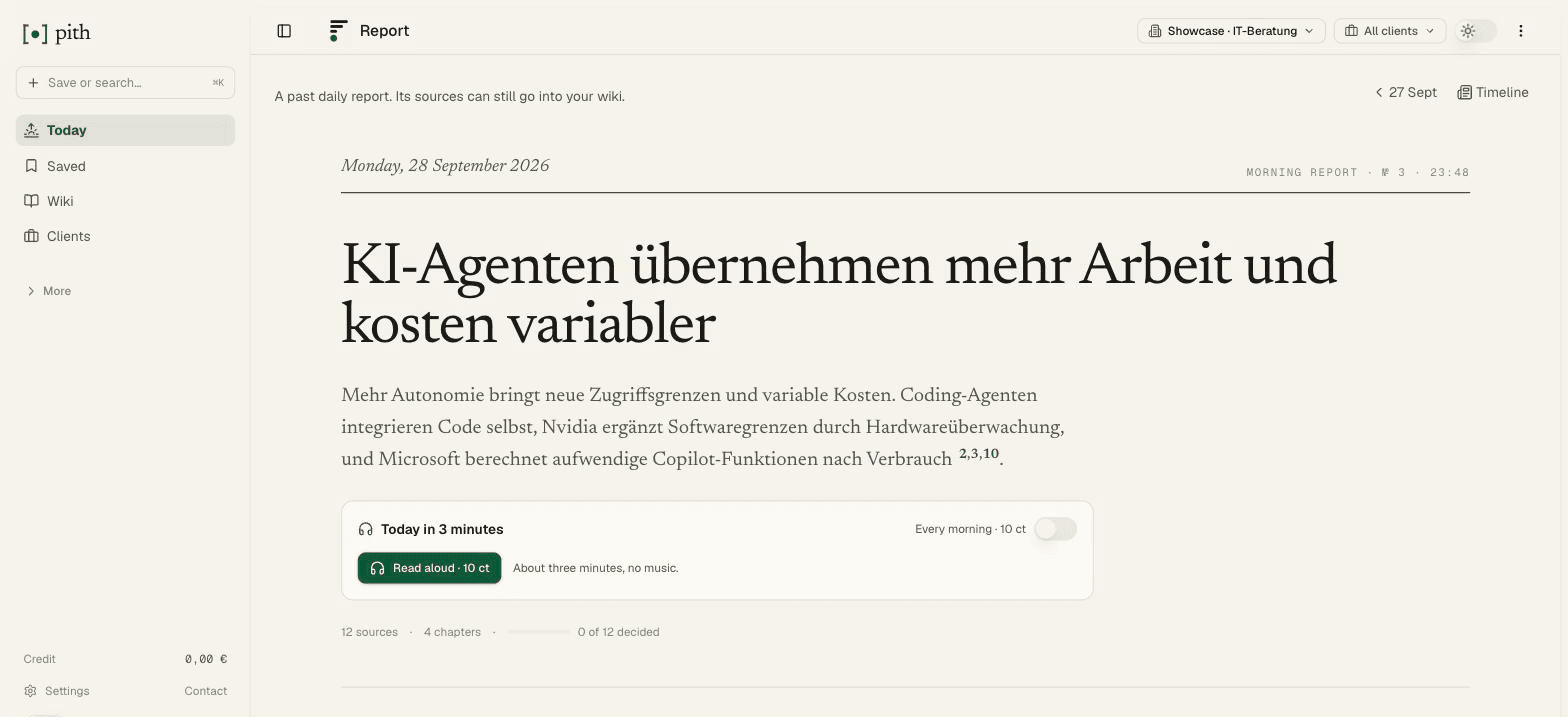
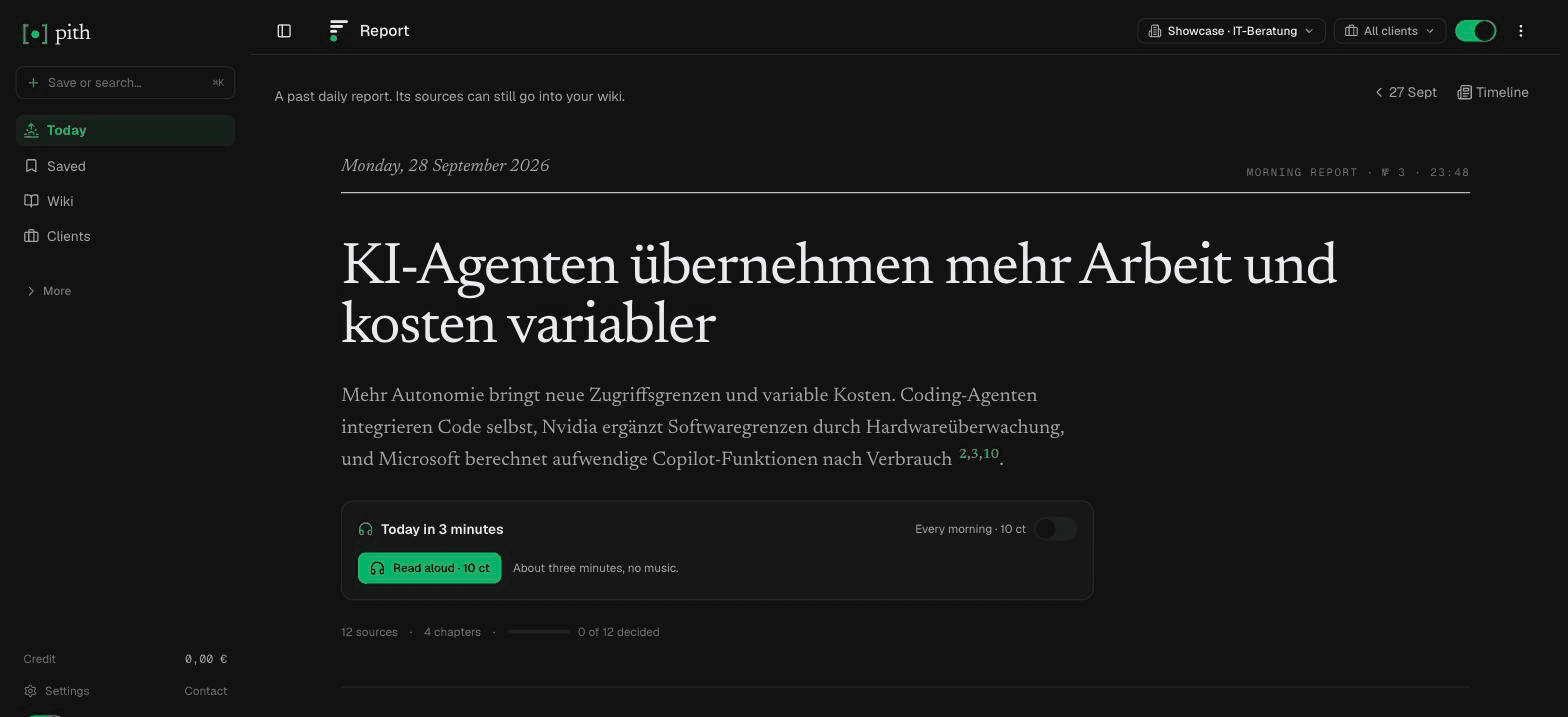
At six Pith has read the day's feed entries, grouped them by theme and written a short report: what happened, who it affects, which of your wiki pages it touches — every statement cited. Below it, a source you saved months ago that fits today.
- Key points first, then one section per theme with a note on who it affects.
- From your archive: older saves that relate to today's news, each with the item it fits.
- Send an item into the wiki, keep it or skip it — right in the report. 19 ct a report.
Tuesday
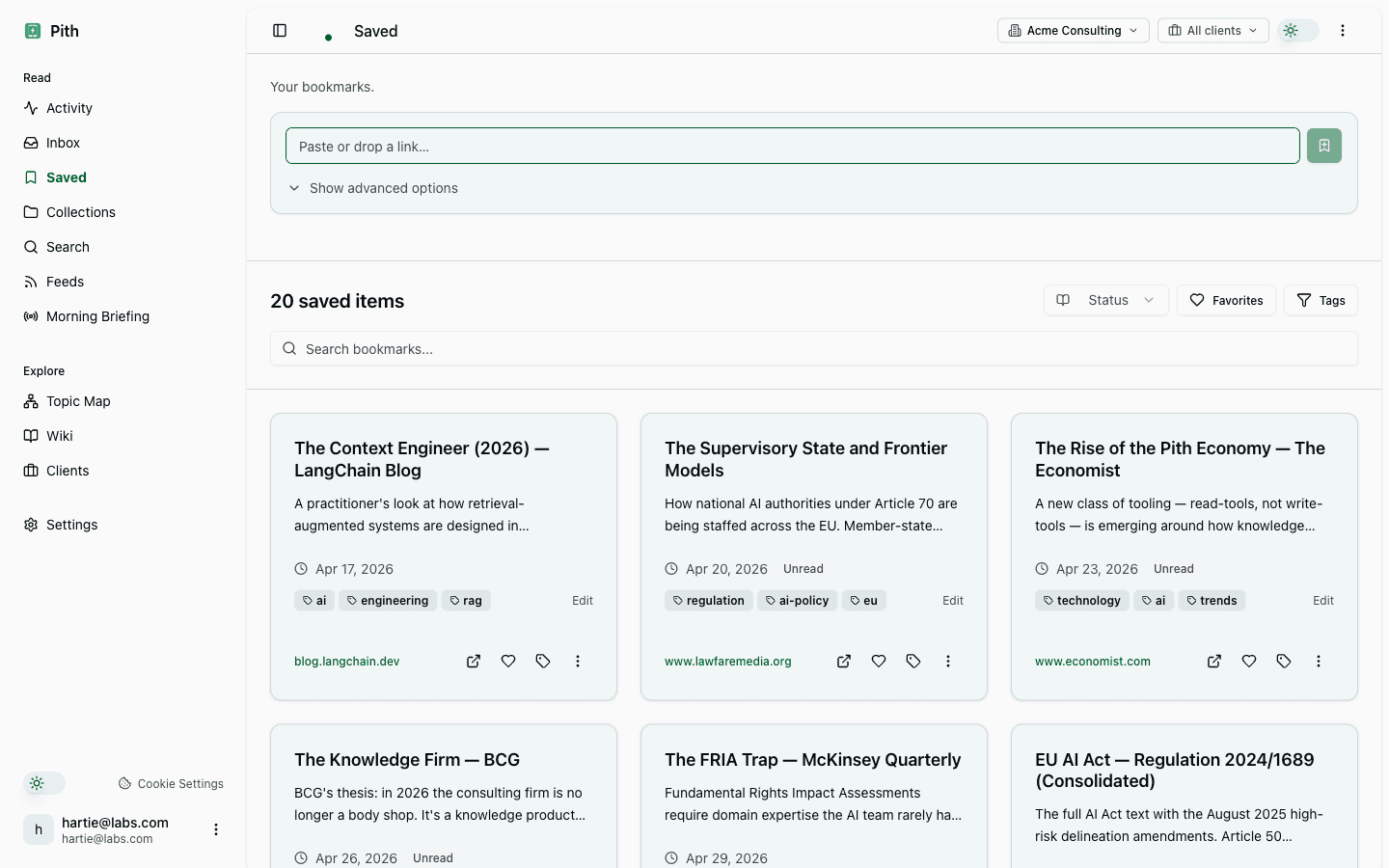
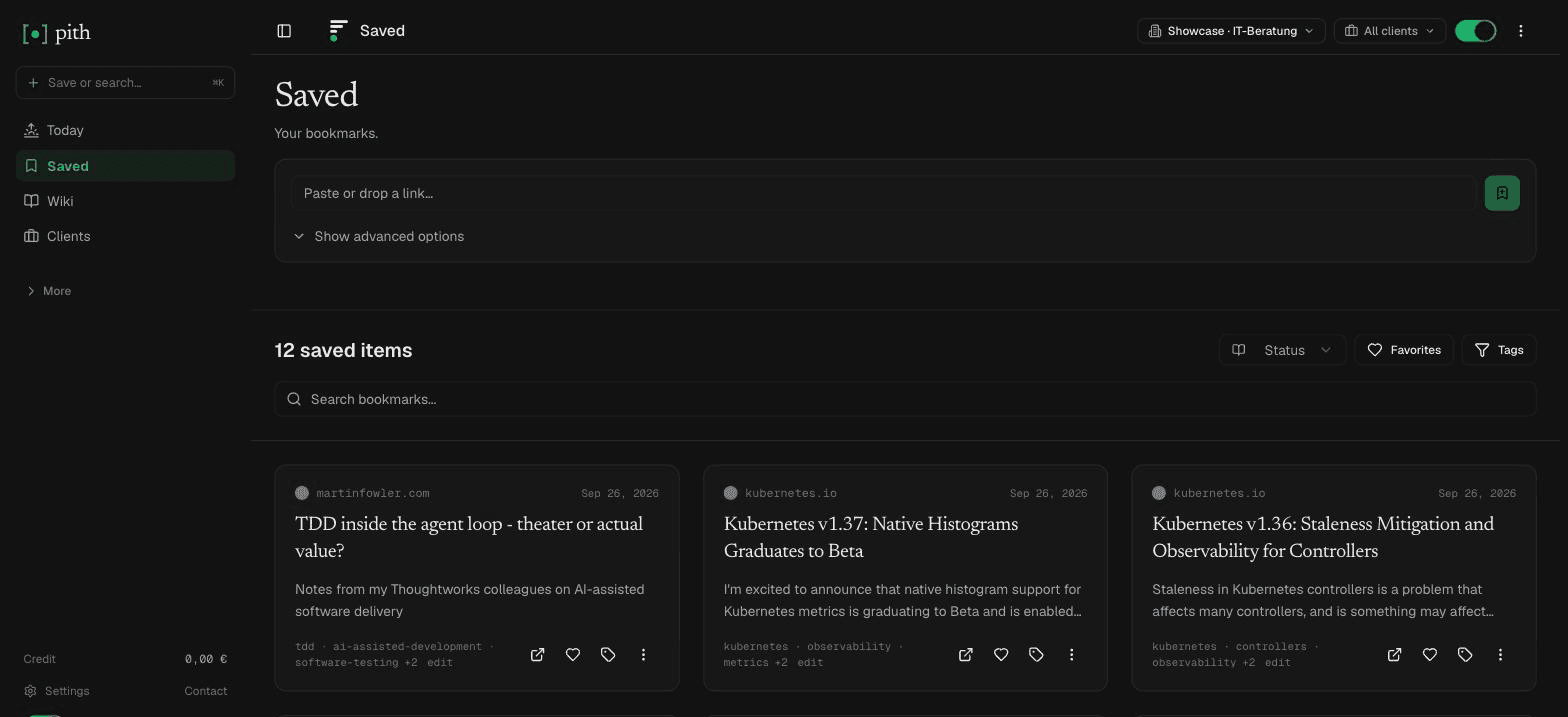
Save and highlight as you read
Browser extension on every laptop. Quick-save with ⌘+Shift+S — silent. Open the bookmark to read in Pith and select-to-highlight any passage that matters. That's the whole habit, one keystroke, all week. A save costs 2 ct including the AI summary; highlighting is free. No subscription.
- Extension stores offline saves and retries when online.
- Highlights feed your next briefing — it reads what you marked, not the whole article.
- Tag bookmarks with a client (optional) to scope them to an engagement.
Wednesday
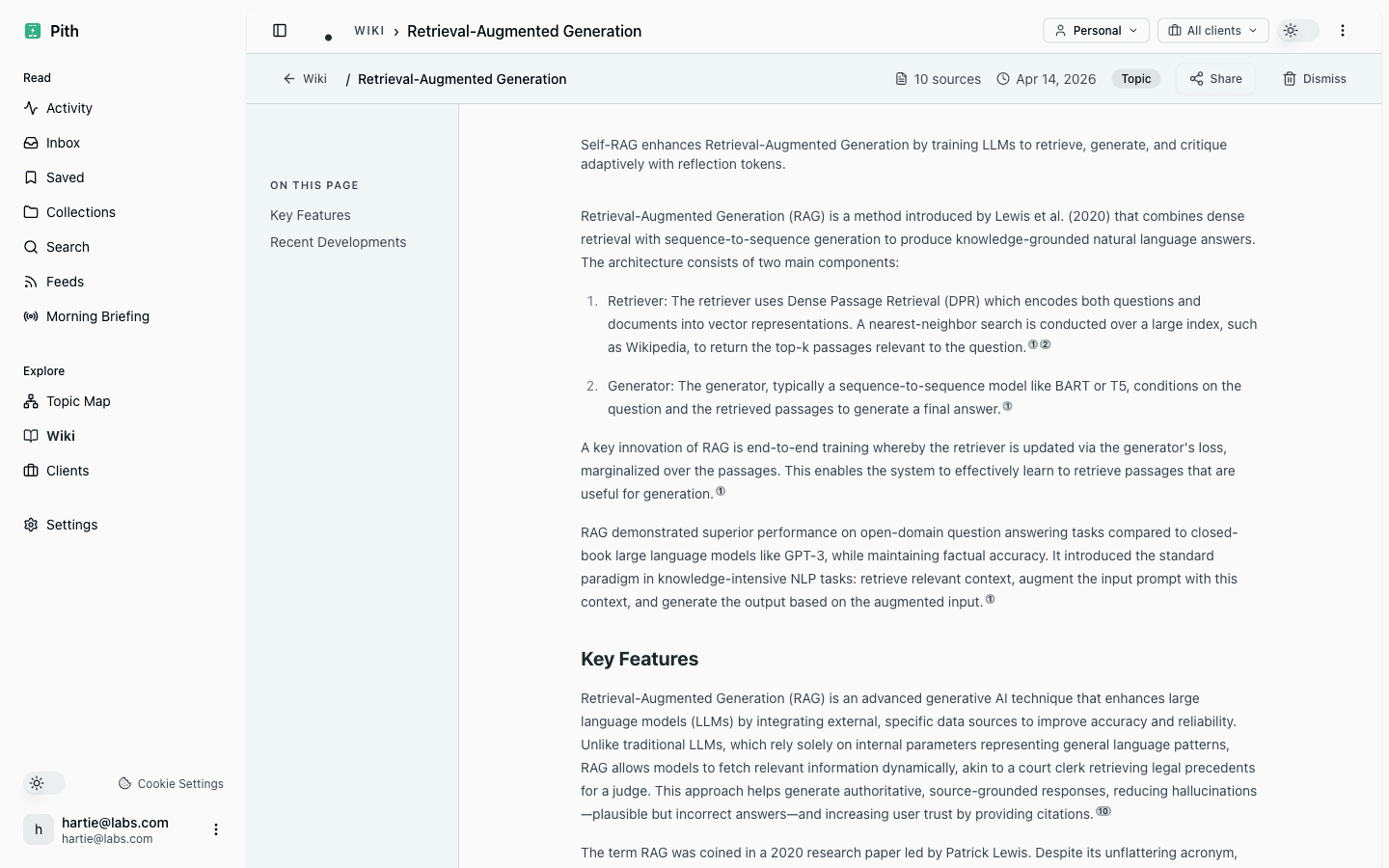
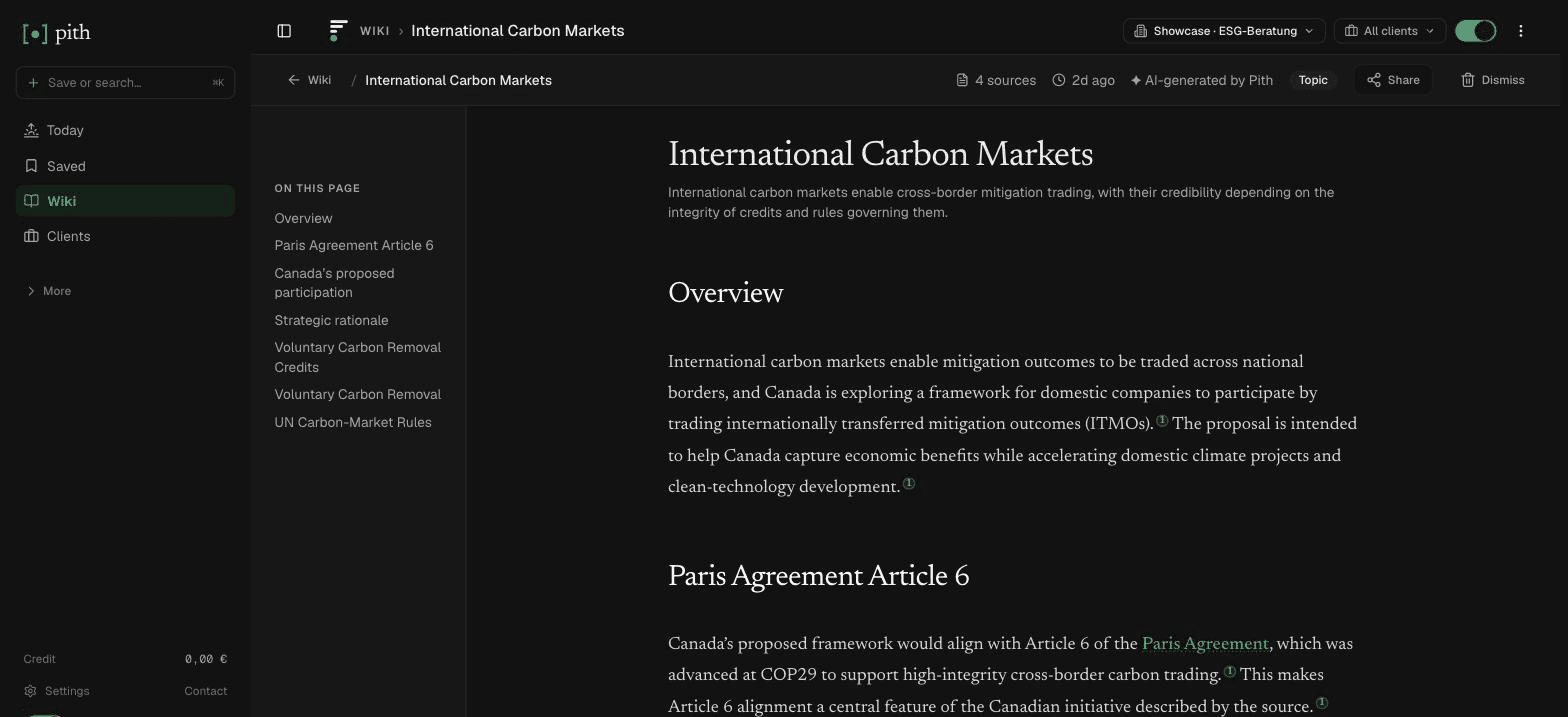
Your agent reads the wiki that wrote itself
By Wednesday Pith has turned the week's saves into cited concept pages — people, frameworks, regulations — without you writing a line. Now open Claude or ChatGPT and ask about the engagement: over MCP, your agent searches this memory and answers from the sources you actually vetted. That part is free, on your agent's own tokens. Your agent thinks and writes — Pith remembers and proves.
- Every wiki page lists its sources, numbered; a click opens the original, and conflicting sources are marked.
- MCP serves the same cited pages to any agent — Claude, ChatGPT, or your own.
- Skip-domain rules in /settings/ai-agent keep noise out of the wiki (e.g. don't wiki-ify GitHub repos).
Friday morning
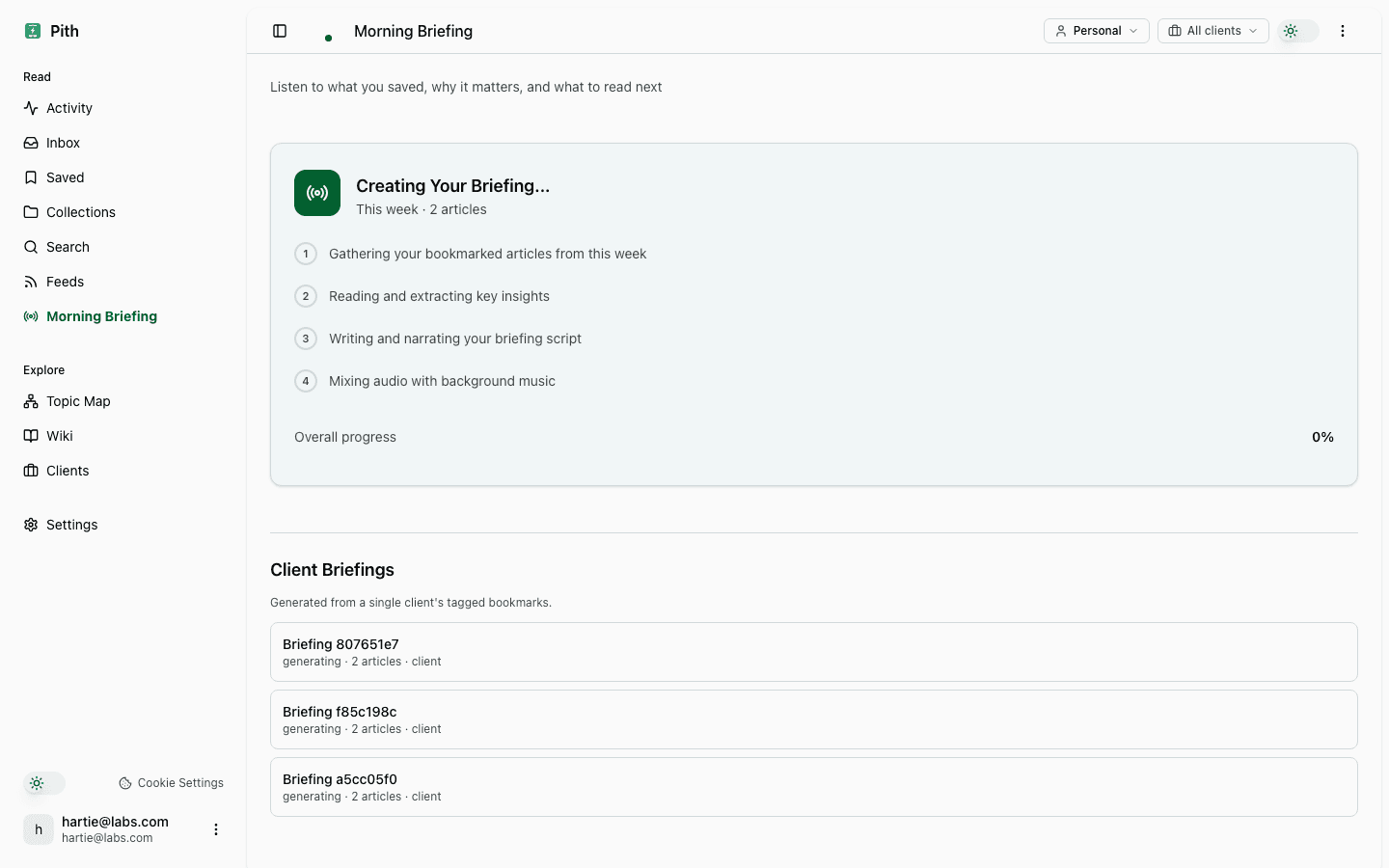
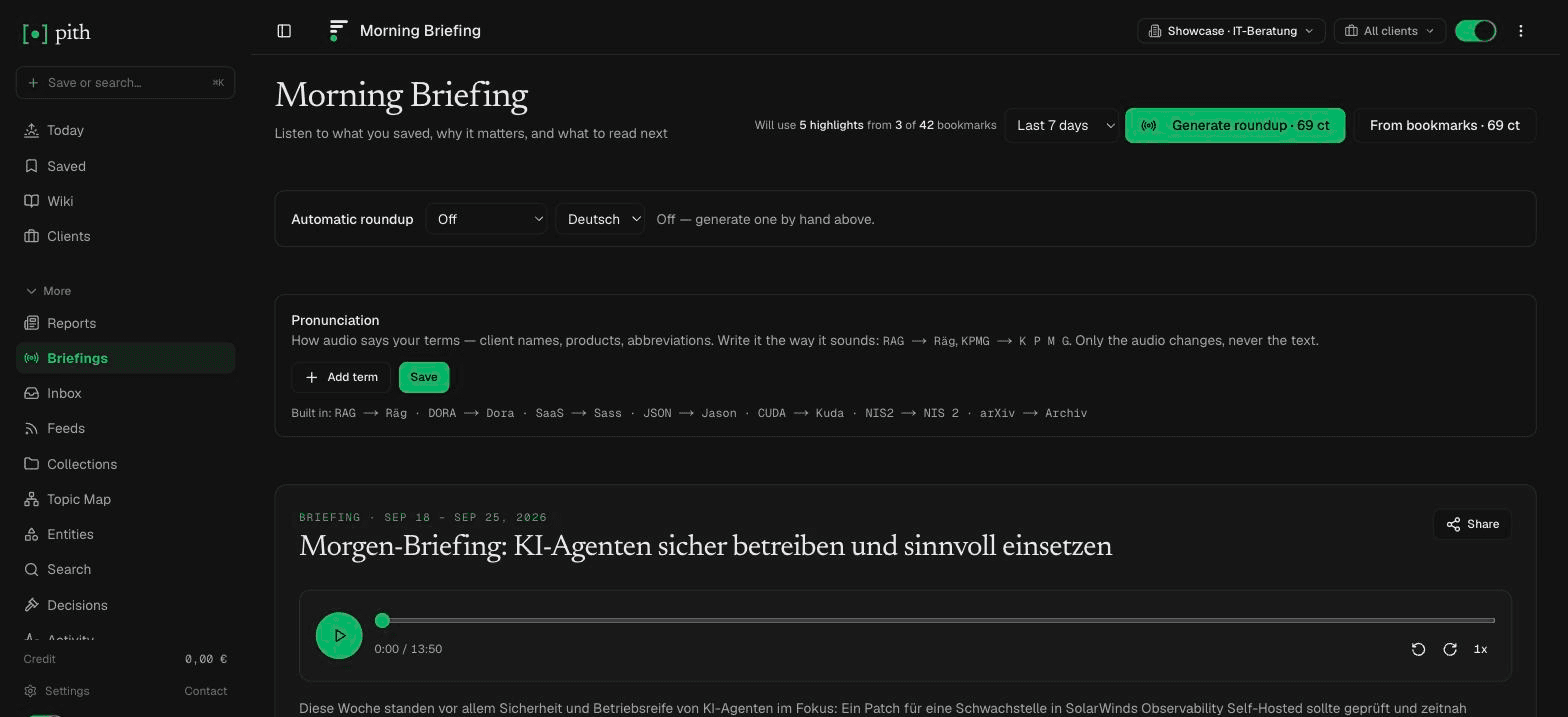
Get the meeting briefing before the client meeting
A client meeting at eleven. Open the client's page and start its briefing — 69 ct. Pith distils what you saved and highlighted for this client into a cited briefing: text, plus audio for the ride. Your credit sits in the sidebar like a fuel gauge — visible, sober, no countdown, no upsell. If generation fails, you pay nothing.
- It costs 69 ct. Failed jobs cost nothing.
- Every statement in the transcript links a source you vetted.
- the usage page lists every paid action.
Anytime
Share without giving access
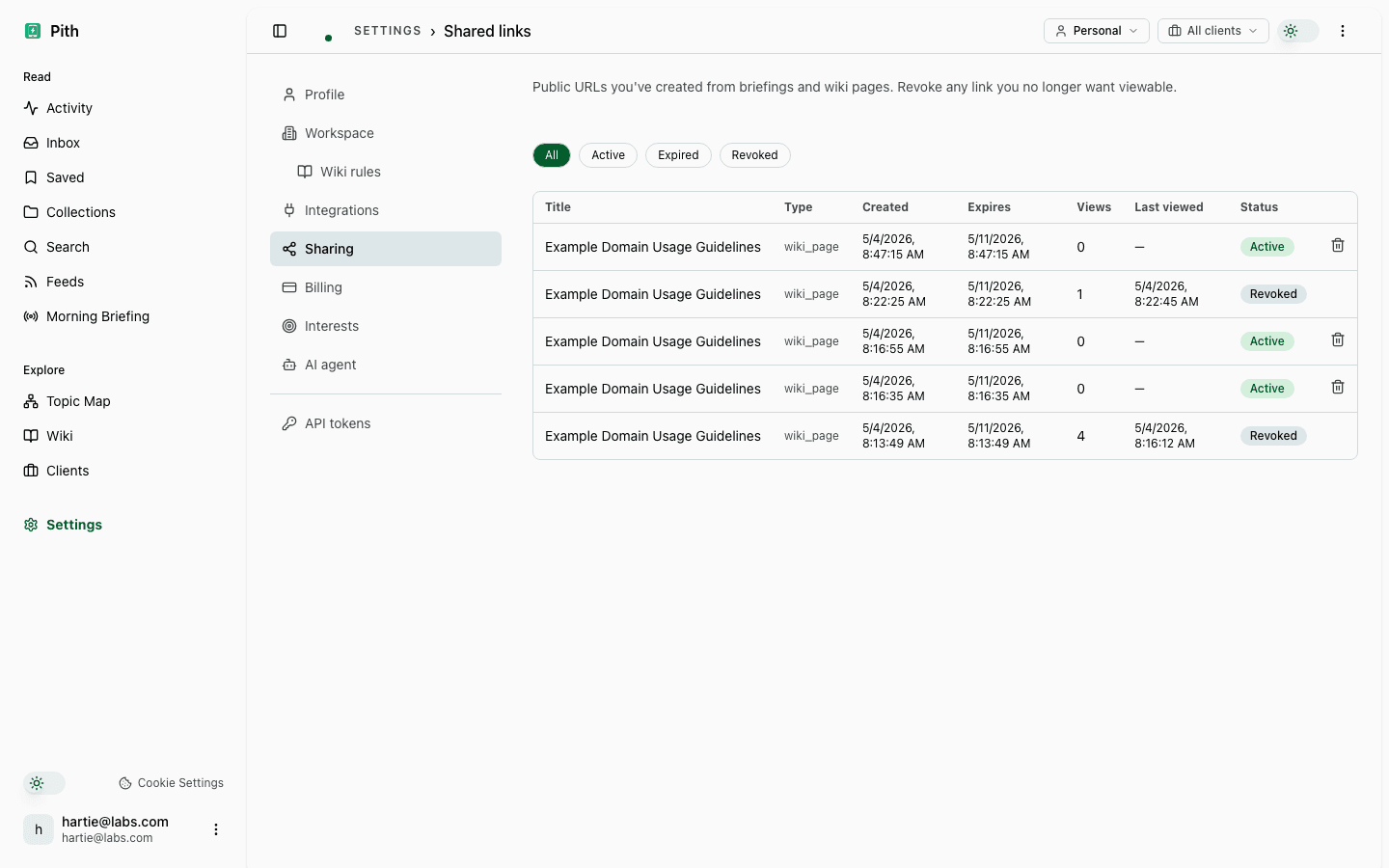
Need to send a wiki page to a client? Or share a briefing with a partner who isn't on Pith? Create a link — with an expiry, a view limit or a password, revocable from settings.
- Each share records distinct viewers + last-accessed timestamp.
- One click revokes the link — the URL stops working immediately.
- Settings → Sharing lists every link with its access log.
Ready for your own week?
No credit card, no subscription, nothing to cancel. AI work costs cents from a prepaid credit — 2 ct per save; there is €1 free every month.