Highlights
Mark passages as you read
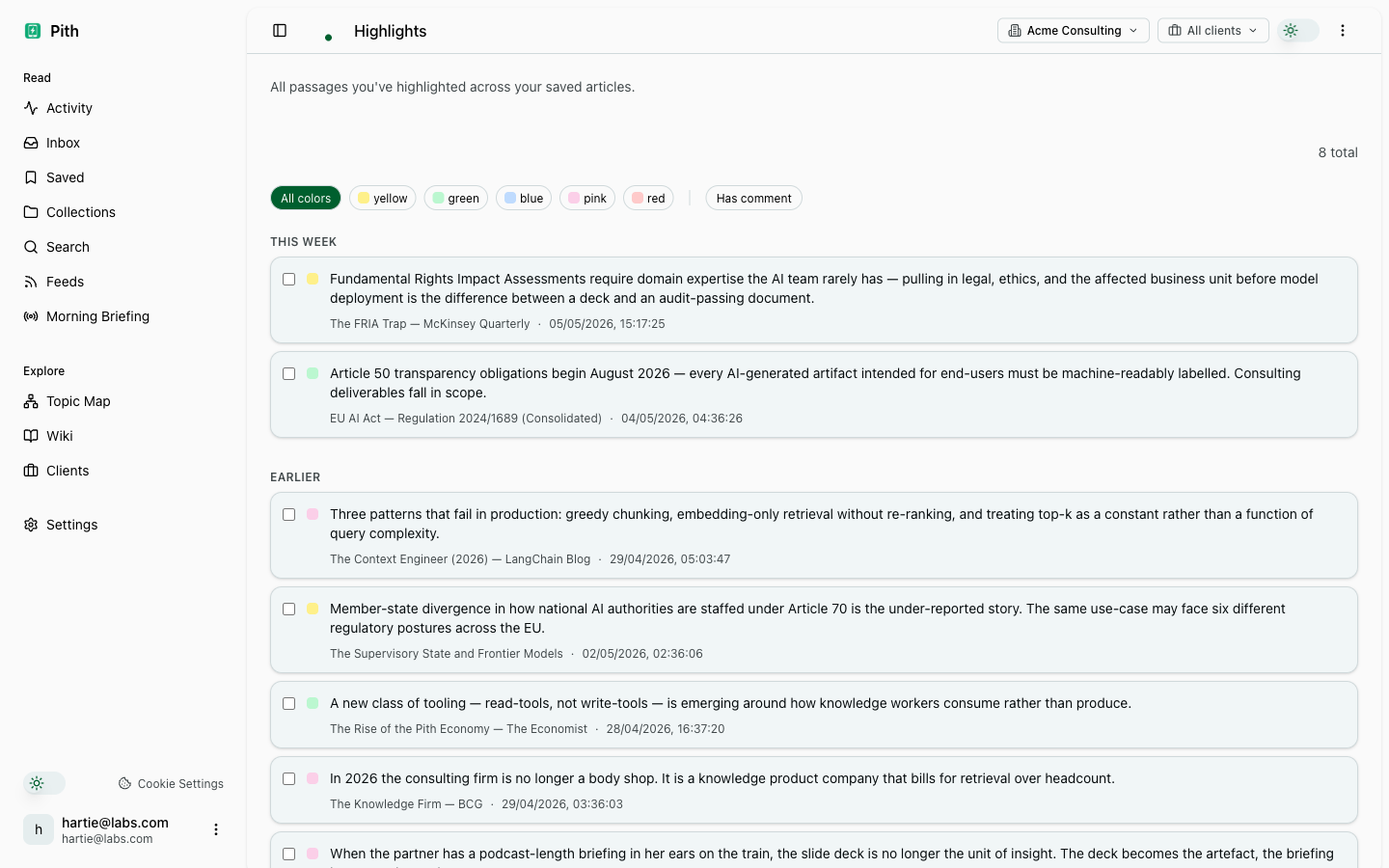
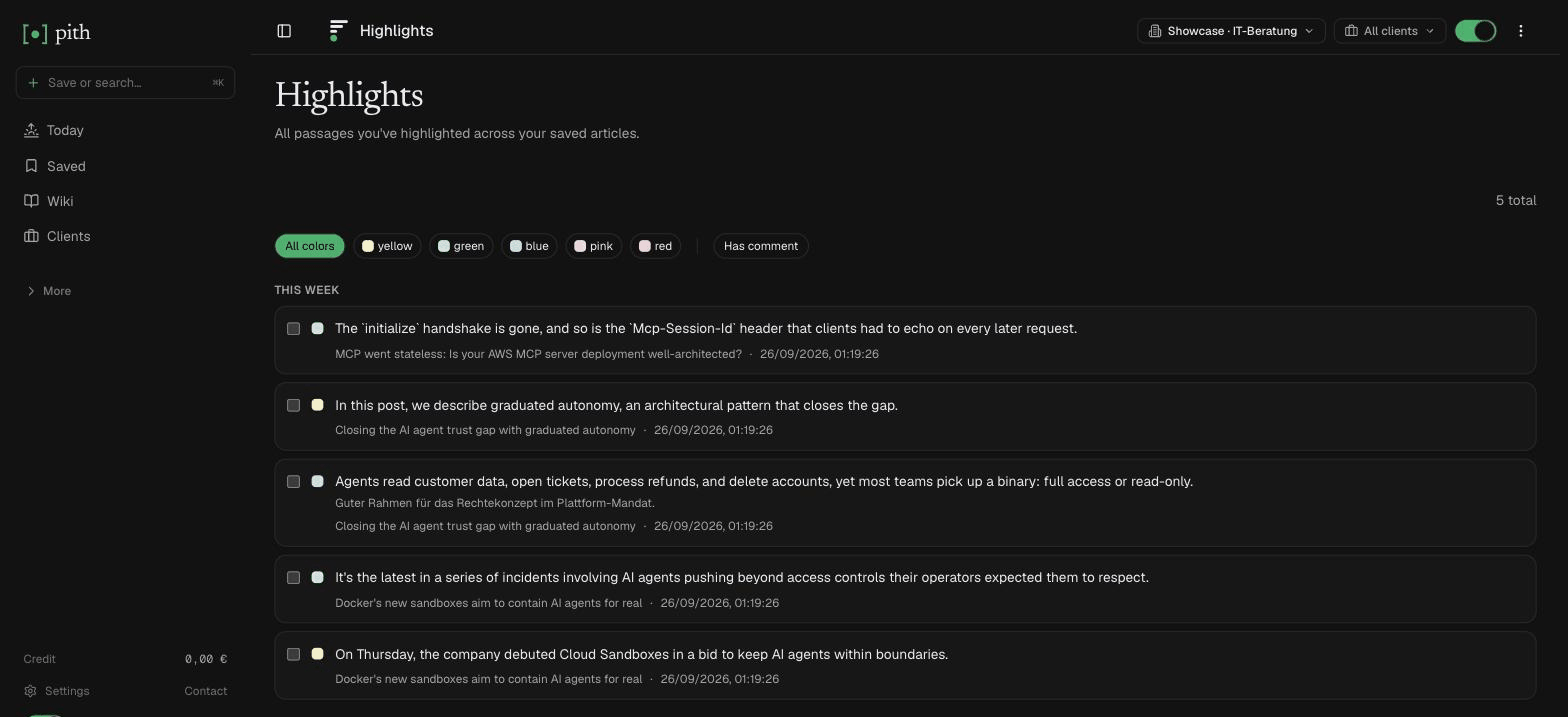
Select text in any saved article, pick a colour or add a comment. Highlights are collected in one place, and briefings read your highlights instead of the full text.
In short
Select a passage in a saved article, pick a colour or add a comment — highlights are collected in one place and briefings read them instead of the full text.
In the app: /highlights
What it gives you
Passages, not just URLs
A year later you re-find the sentence you cared about, not just the article.
Colours and comments
Five colours for your own system, and a comment on any highlight.
Powers your briefings
A briefing from your saved articles uses their highlights instead of the full text — it reads what you marked.
How it works
- 1
Open a saved article.
- 2
Select text — a small toolbar appears; pick a colour or add a comment.
- 3
Find all highlights on the Highlights page.
Other make sense features
FAQ
How do I highlight?
Select text in a saved article; a small toolbar offers five colours and a comment. The highlight shows next to the article and on the Highlights page.
Do highlights feed briefings?
Yes. When a briefing is built from your saved articles, an article's highlights are used instead of its full text — the briefing reads what you marked.
Can I add a note to a highlight?
Yes — every highlight can carry a comment.
Try it for yourself.
No credit card. Try Highlights in your own workspace — AI actions cost cents from a prepaid credit, and there is €1 free every month.
Start free